


Why Aspect Ratio Headaches Led Me to a Dedicated Editor
I've lost count of how many times I've struggled to fit a perfectly good photo into Instagram's finicky aspect ratio while maintaining visual clarity. Instasize solves this specific headache by combining a straightforward photo editor with a collage maker explicitly tailored for social media dimensions. It's not trying to be Photoshop—it focuses on framing, color consistency, and the quick editing workflows that content creators actually use day-to-day.
Custom Presets and the Realities of Batch Editing
What sets it apart from basic gallery editors is the preset system. You don't just apply a generic filter; you manually adjust the exposure, contrast, saturation, and tone curves, then save those exact parameters as your own preset. I spent an afternoon dialing in a muted, warm look for my travel photos. Now, whenever I shoot a series, I can apply that same preset to every image in minutes. The manual sliders are responsive, though I've noticed the app tends to over-sharpen highlights if you push the "Structure" slider past 30%.
This workflow is a genuine time-saver for batch editing. However, there is a catch regarding file handling: the app compresses images noticeably on export. If you are a stickler for maximum resolution or printing your work, the difference between the original RAW file and the Instasize export becomes apparent, especially on larger monitors.
Canvas Resizing, Collages, and Layout Limitations
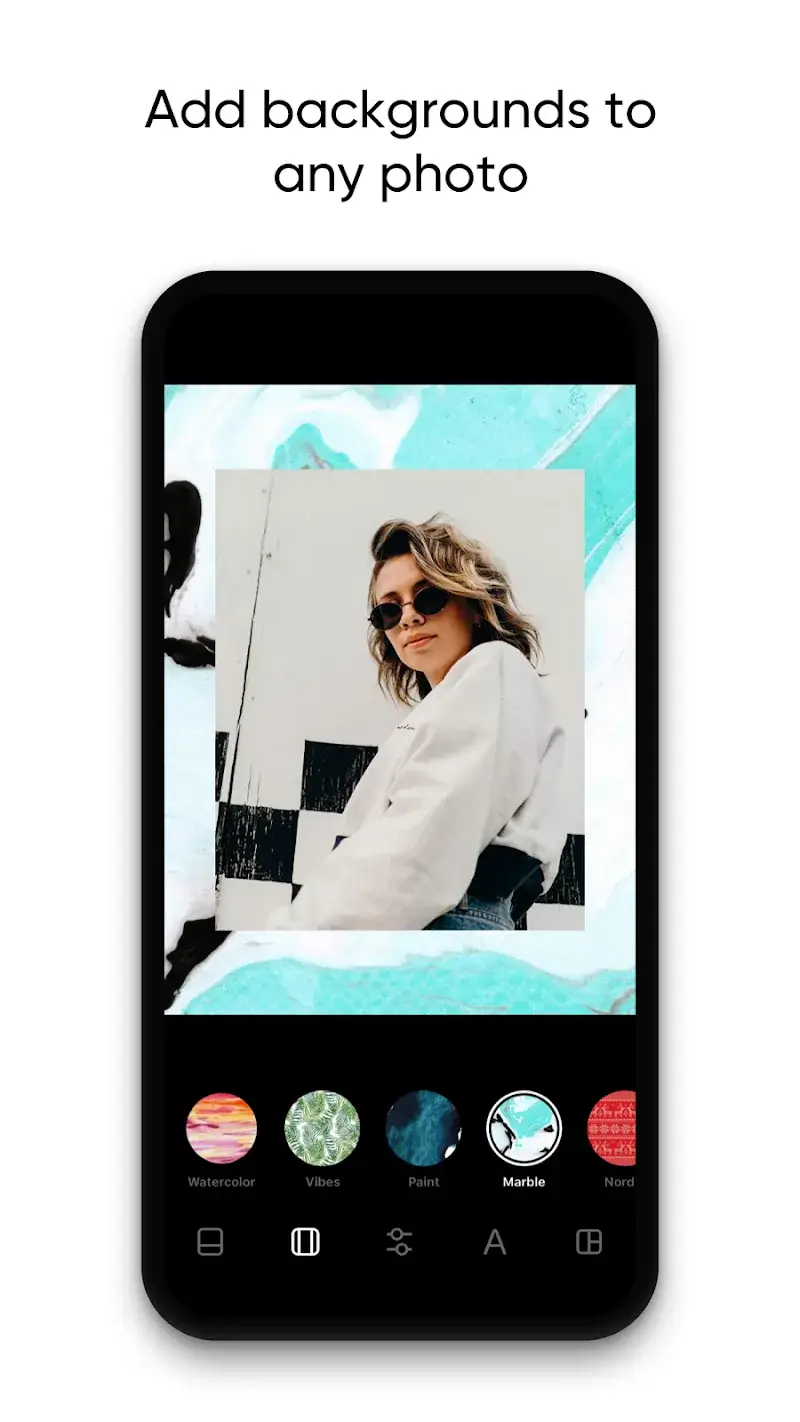
The collage maker offers hundreds of layouts, but do not expect boundless creative freedom. The frames are fixed in a grid format—you cannot overlap images or create free-form scrapbook designs. What you can do is precisely control the border thickness, corner radius, and background color for those empty spaces. I often use the background color sampler to match a shade from the photo itself, creating a seamless, fluid look for Instagram carousel posts without the awkward white gaps.
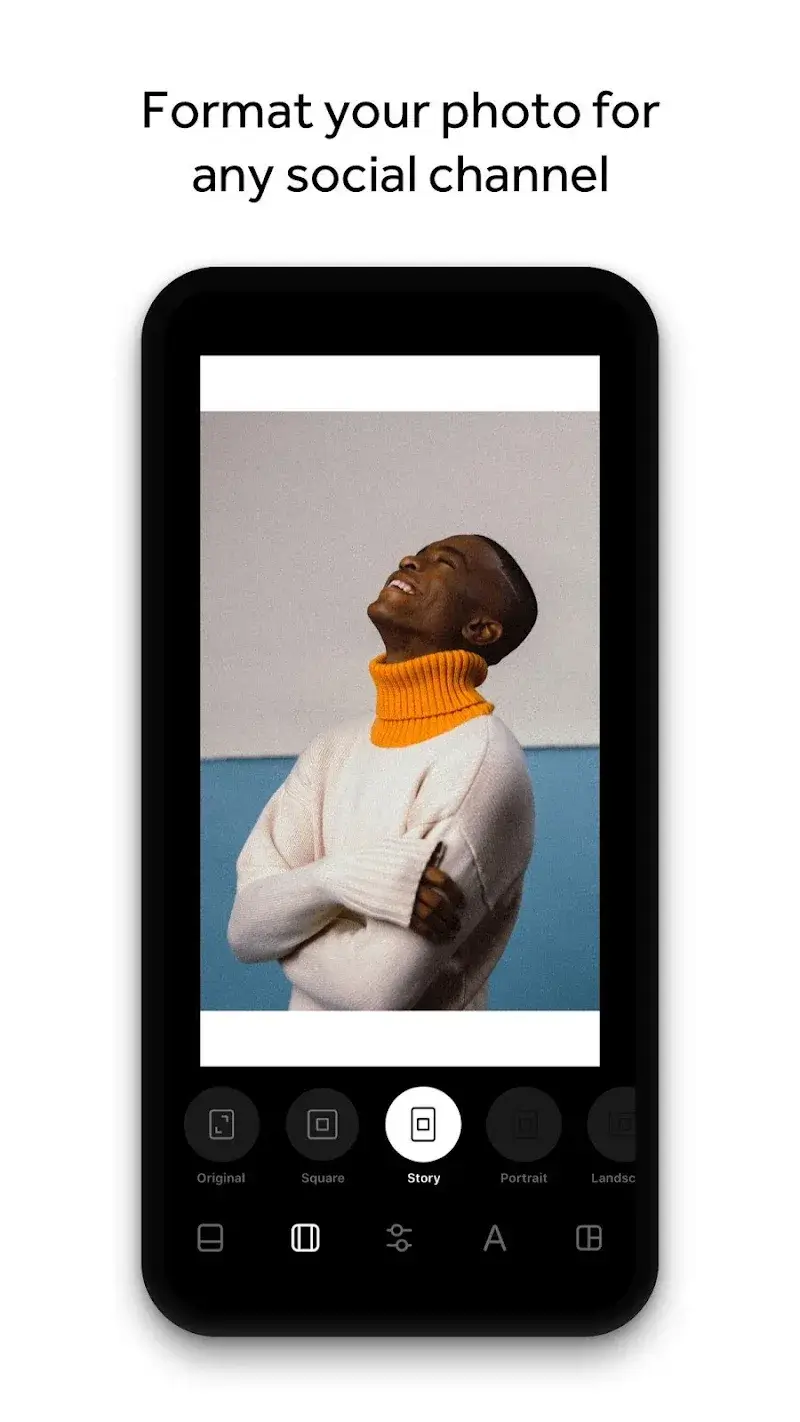
The "Custom Size" feature for single images is arguably the most practical tool here. You can input exact pixel dimensions for Instagram Stories, LinkedIn banners, or Twitter headers. This level of specificity is rare in most free editors and saves the tedious guesswork of blind cropping.
Is the Subscription Worth It or Just Friction?
Let's be honest about the free version: it is a trial. The best features—like saving custom presets, removing the watermark, and accessing the full layout library—are locked behind a subscription. If you are just cropping a selfie once a month, the free tools feel frustratingly limited. But if you are managing a brand feed or trying to maintain a cohesive visual identity across platforms, the premium cost is justified by the sheer time it saves.
Another persistent friction point is the lack of cloud sync between the mobile app and the web version. I often start editing on my phone and wish I could seamlessly continue on my laptop without manually transferring files via email or AirDrop. For a tool marketed directly at content creators, this feels like an oversight. Still, for the specific tasks of sizing and color-grading social media visuals reliably, Instasize has remained a mainstay on my home screen for over a year.


LINE Camera

Photo Scan App by Photomyne

Blend Photos - Photo Blender

AI Photo Editor - AIFoto

iGrab - save for Instagram

Matterport

AI Photo Generator, Enhancer

YouCam Video Editor & Retouch

Devil Horns Photo Editor

NYMF – Sensual Art Project

Fabby Look: hair color changer

Meitu - Photo & Video Editor
-

Caller ID | Clever Dialer
Communication | 24.64MB
Download
-

AmoLatina: Latin Online Dating
Dating | 19.67MB
Download
-

Madrid Theme/ Huawei, Samsung, LG, HTC, Nokia
Sport | 3.05MB
Download
-

MovieFlix: Movies & Web Series
Entertainment | 10.79MB
Download
-

JET Mobile
Business | 31.78MB
Download
-

Radio Singapore
Music & Audio | 22.94MB
Download
-

VeChainThor Wallet
Finance | 48.23MB
Download
-

Invitation Maker - Card Design
Lifestyle | 47.18MB
Download
-

Toyota Entune®
Lifestyle | 35.67 MB
Download
-

Edge Control
Travel | 88.04MB
Download
-

Auto Background Video Recorder
Video Players | 23.80MB
Download
-

Jarvis Assistant Launcher
Personalization | 21.55MB
Download