



Volume Control – Smart Sound Management for Your Device
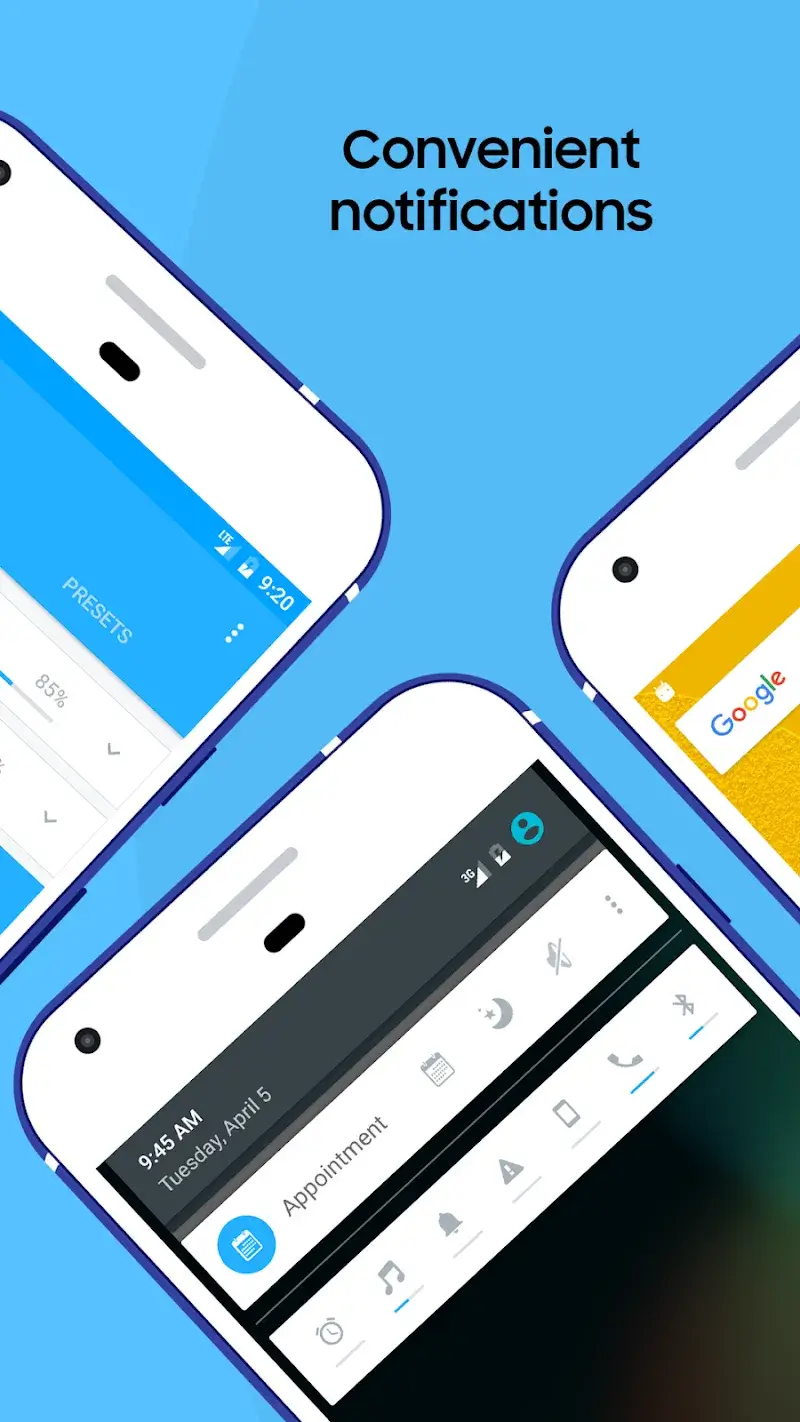
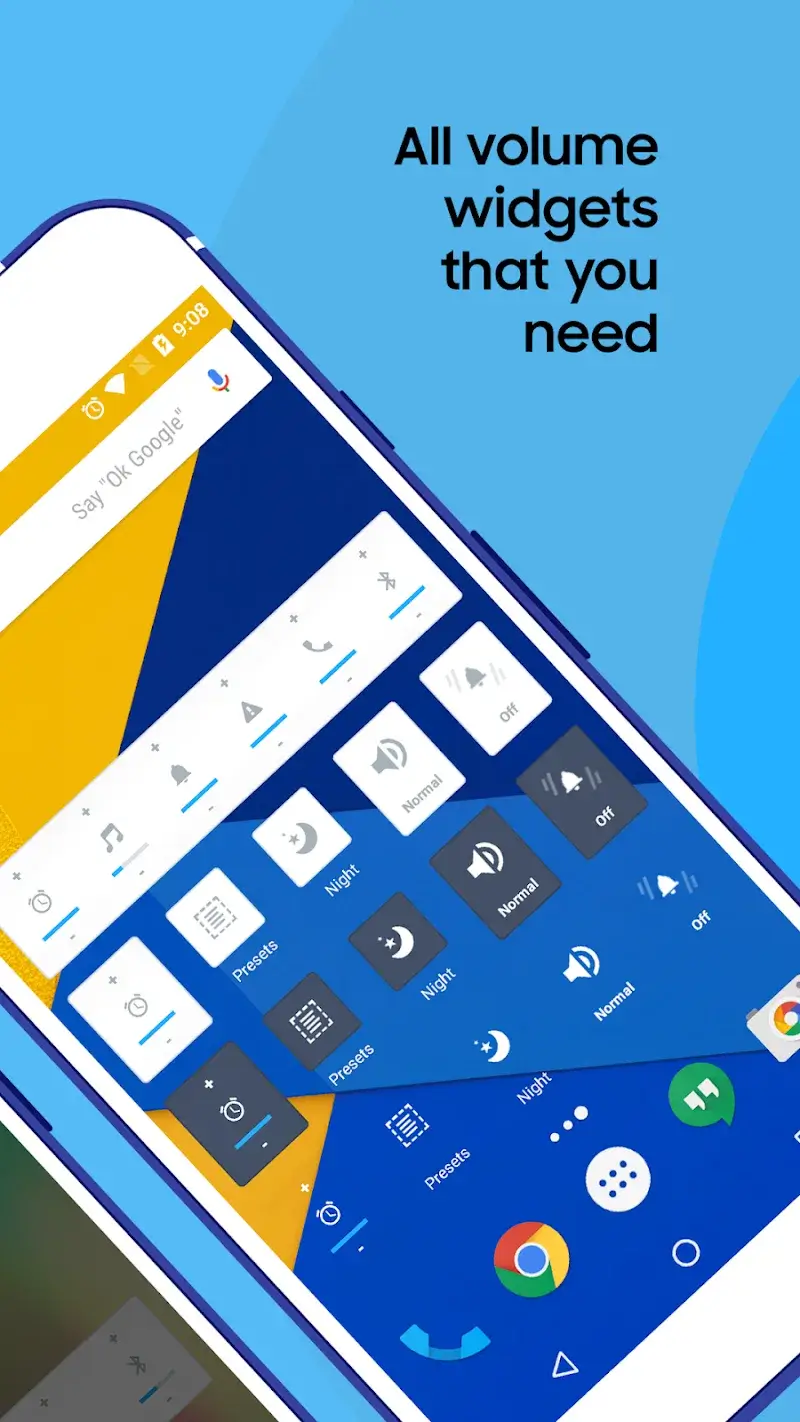
Managing audio levels on a smartphone can be frustrating when each app or alert requires separate adjustment. Volume Control solves this by offering a single dashboard where users can tweak ringtone, media, alarm, and notification volumes without digging through system settings. Its intuitive interface and flexible profile system make it a practical tool for anyone who wants to adapt sound behavior to different moments of the day.
Key Features That Simplify Everyday Usage
This app centralizes all sound-related controls, so you no longer need to open multiple menus just to lower the music or mute an alarm. Built-in switches let you adjust each audio channel independently, and changes take effect instantly. The layout is clean and uncluttered, which means even first-time users will find their way around in seconds.
Custom Volume Profiles for Every Situation
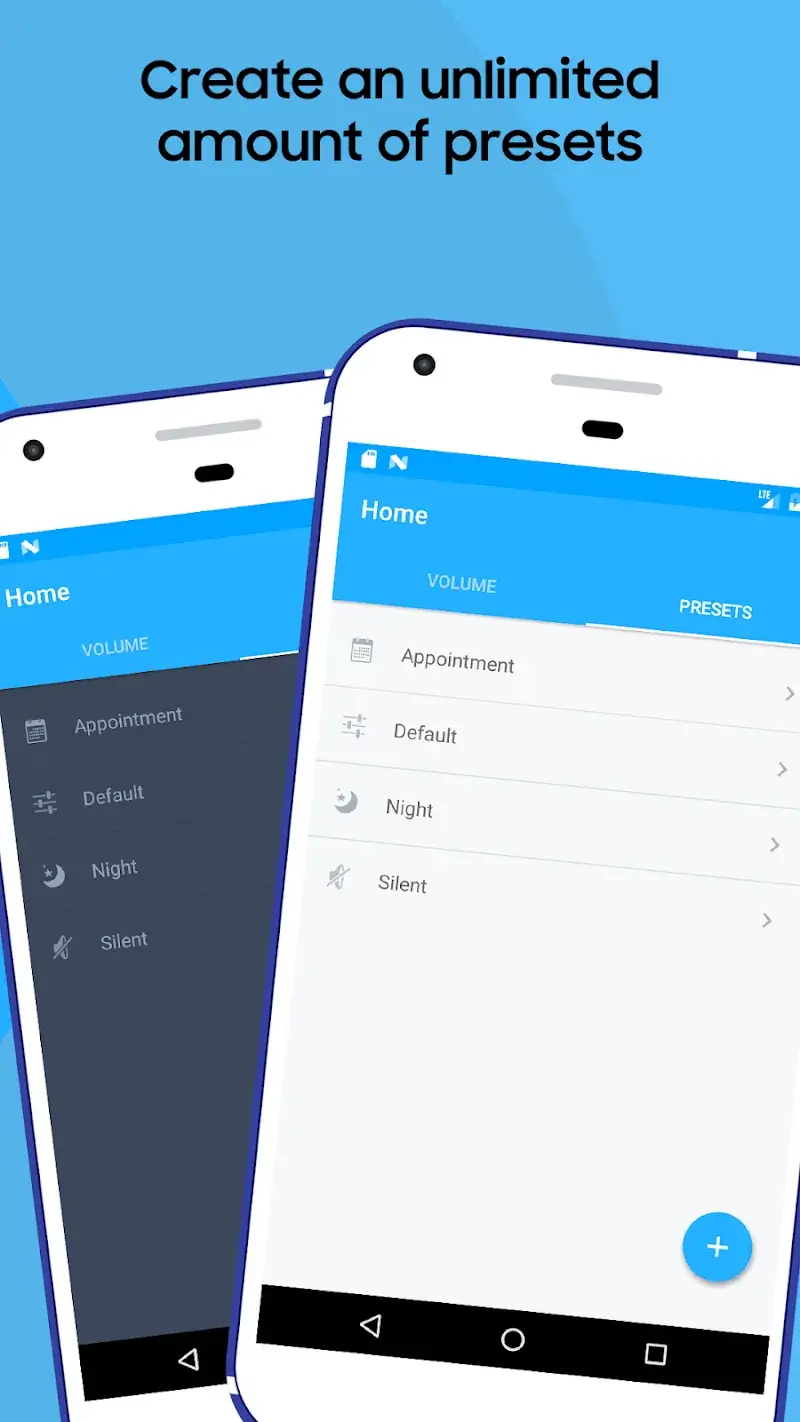
A standout aspect of Volume Control is the ability to save and switch between personalized profiles. You can create a “Meeting” profile that silences the ringer but keeps alarms active, or a “Night” profile that reduces all volumes to a minimum. These profiles are accessible from the main screen, so changing between them requires only a tap. This eliminates the need to manually adjust sliders every time your environment changes.
Automated Volume Settings That Adapt to You
The app goes beyond manual control by offering automation based on triggers like time, location, or connected devices. For instance, it can automatically lower media volume when you connect Bluetooth headphones or increase ringer volume after a certain hour. This smart detection saves time and ensures your device behaves appropriately without constant attention. The scheduling feature works reliably in the background, making the tool feel truly hands-free.
Tailored Controls and Practical Integration
Beyond basic adjustments, Volume Control allows fine-tuning for specific contacts or apps. You can assign a louder notification sound to important callers while keeping others at a lower level. The app also supports integration with automation platforms like Tasker, which extends its usefulness for advanced users who want to create complex rules. Despite these extra capabilities, the interface remains logical and responsive.
Whether you need to quiet your phone during meetings or boost media volume at home, this software delivers a straightforward yet powerful solution. Its combination of quick manual profiles and smart automation makes it a valuable addition to any Android device.


-

Caller ID | Clever Dialer
Communication | 24.64MB
Download
-

AmoLatina: Latin Online Dating
Dating | 19.67MB
Download
-

Madrid Theme/ Huawei, Samsung, LG, HTC, Nokia
Sport | 3.05MB
Download
-

MovieFlix: Movies & Web Series
Entertainment | 10.79MB
Download
-

JET Mobile
Business | 31.78MB
Download
-

Radio Singapore
Music & Audio | 22.94MB
Download
-

VeChainThor Wallet
Finance | 48.23MB
Download
-

Invitation Maker - Card Design
Lifestyle | 47.18MB
Download
-

Toyota Entune®
Lifestyle | 35.67 MB
Download
-

Edge Control
Travel | 88.04MB
Download
-

Auto Background Video Recorder
Video Players | 23.80MB
Download
-

Jarvis Assistant Launcher
Personalization | 21.55MB
Download